


WordPress powers 43% of the internet. Astro is a framework most business owners have never heard of. So why are developers, law firms, agencies, and even Google migrating away from WordPress toward Astro?
This article breaks down what both platforms actually are, what the real performance numbers look like, what each one costs you over time, and who should use which one.
TL;DR
WordPress is a CMS that builds your pages on demand every time someone visits. Astro builds your pages once, ahead of time, and delivers them instantly.
Astro wins on speed, security, cost, and SEO. WordPress wins on content editing for large non-technical teams and complex ecommerce.
Most business websites, service pages, blogs, and agency sites should be on Astro in 2026. If you're not sure which camp you're in, keep reading.
What is WordPress?
WordPress is a PHP-based content management system that's been around since 2003. You log into a dashboard, install plugins for everything (SEO, forms, security, caching, backups), pick a theme, and your site runs on a server that generates pages every time someone visits.
It's the default choice for the last 20 years because it made building websites accessible to people who couldn't code.
But here's the problem: the same architecture that made WordPress easy in 2005 is what makes it slow, expensive to maintain, and a security nightmare in 2026.
What is Astro?
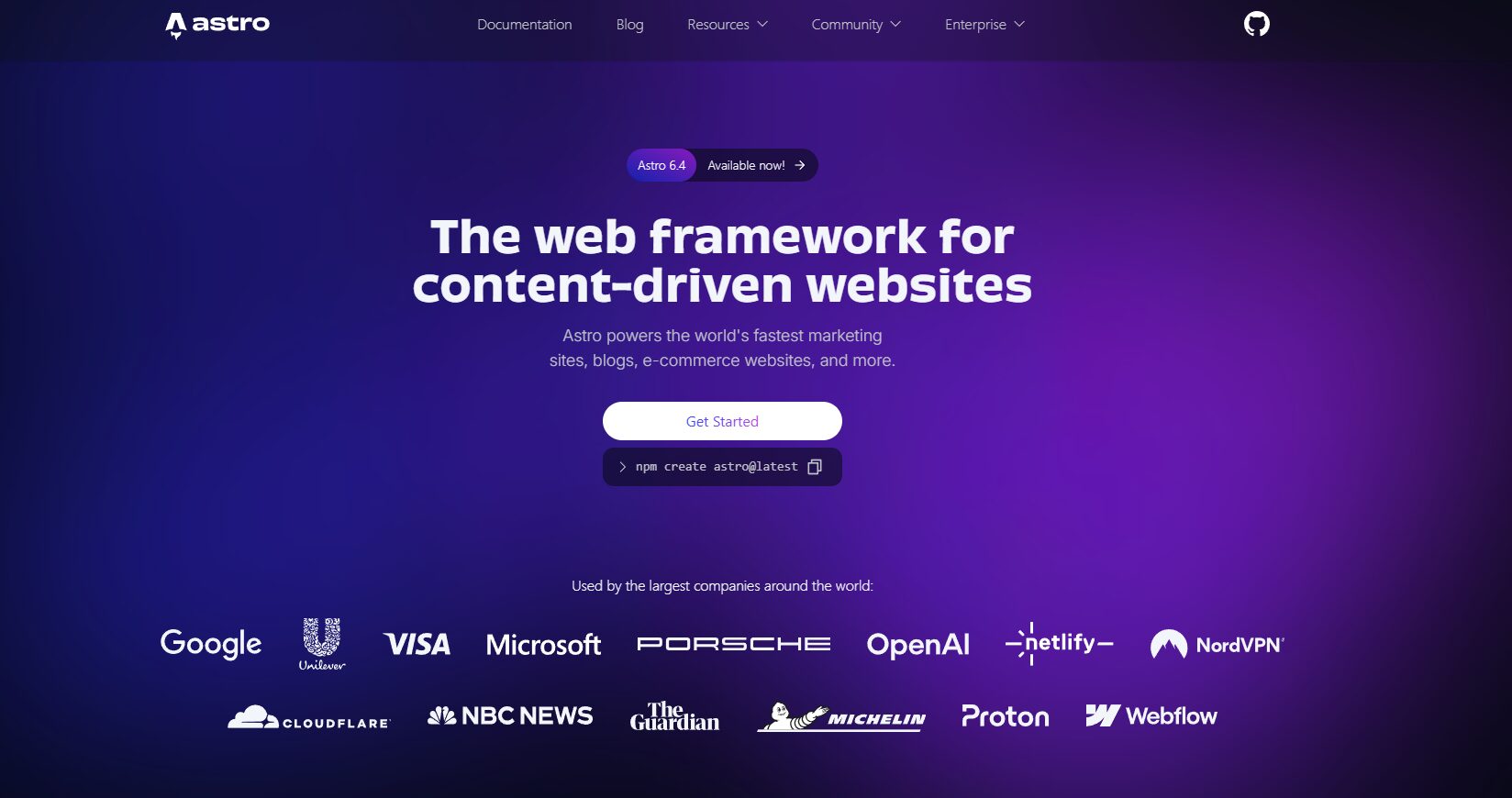
Astro is a modern web framework released in 2021. Instead of generating your pages on demand every time a visitor shows up, Astro builds all your pages ahead of time at deploy. When someone lands on your site, the server just hands them a ready-made HTML file. No database. No PHP. No waiting.
Think of it this way: WordPress is a restaurant that cooks your meal when you order. Astro is a restaurant that prepped all the meals at 9am, so yours arrives in 30 seconds.
Companies like Google, Microsoft, and The Guardian use Astro. It's the framework developers reach for when performance actually matters.
Performance: TBH This Is Not Close
Speed affects your search rankings, bounce rate, and how many visitors become paying clients. Here's what the actual numbers look like.
WordPress performance (typical):
- Core Web Vitals pass rate on mobile: ~43%
- Average mobile Lighthouse score: 40–50
- Time to First Byte: 800ms–2s from origin server
- First Contentful Paint: 3–6 seconds on mobile
- JavaScript payload: 200–500KB+ even on simple blogs
Astro performance (out of the box):
- Core Web Vitals pass rate: consistently above 90%
- Lighthouse score: 95–100 for content sites
- Time to First Byte: under 50ms from CDN edge
- First Contentful Paint: under 1 second on mobile
- JavaScript payload: zero bytes by default
Reality check: WordPress sends your visitors a dynamic, database-queried, PHP-rendered page every single time. Astro sends them a pre-built HTML file from a server that's physically close to them. The difference is not a few milliseconds. It's the difference between a 4-second load and a 0.4-second load.
Real migration results
One business migrated from WordPress to Astro and their mobile PageSpeed score went from 78 to 98. LCP dropped from 4.4 seconds to 1.8 seconds. TBT went from 120ms to 0ms. Same domain. Same content. Just a different framework.
A developer who ran a detailed benchmark after migrating his own blog found Astro used 72% less HTML, 60% less JavaScript, and 90% less CSS than his WordPress site. His Lighthouse SEO score went from 86 to a perfect 100 across every page.
Can you get WordPress to perform well? Yes, with premium hosting, a CDN, caching plugins, a lightweight theme, image compression, and constant maintenance. But you're fighting the architecture. Astro just works.
Security: WordPress Has a Structural Problem
In 2024, there were 7,966 new vulnerabilities discovered in the WordPress ecosystem. That's roughly 22 new vulnerabilities per day. Of those, 96% were in plugins (not WordPress core), and 43% required zero authentication to exploit. Over 1,600 plugins were removed from WordPress.org that year alone.
This is not a story about bad luck. This is what happens when your site runs a PHP application with a database and 20–30 plugins from different developers with different security standards.
Astro's attack surface is almost nothing. There's no database to breach. No PHP interpreter to exploit. No login endpoint to brute force. No XML-RPC. No admin panel at all. It's a folder of HTML files on a CDN. You cannot SQL inject an HTML file.
Reality check: If your WordPress site has ever been hacked, you're not alone. The law firm in one of the competitor articles we read listed "our WordPress site was hacked" as one of the main reasons they moved to Astro. This is a common story. It's not a WordPress configuration problem. It's the architecture.
( update on WordPress ) : as of now 15,000 WordPress sites affected by administrator account creation vulnerability.
The Real Cost of Running Each Platform
Most businesses underestimate what WordPress actually costs over time.
WordPress: Annual cost
| Item | Cost |
|---|---|
| Managed hosting (WP Engine, Kinsta) | ₹16,600–₹50,000/year |
| Premium plugins (SEO, security, forms, caching) | ₹16,600–₹41,500/year |
| Developer maintenance and security patches | ₹25,000–₹83,000/year |
| Emergency fixes when something breaks | Variable |
| Realistic total | ₹58,000–₹1,75,000+/year |
Astro: Annual cost
| Item | Cost |
|---|---|
| Hosting on Vercel or Netlify | ₹0–₹1,700/year |
| Plugin subscriptions | ₹0 |
| Security plugins and firewall | ₹0 |
| Emergency fixes | Rare |
| Realistic total | ₹0–₹16,600/year |
The catch: Astro requires a developer to build it initially. Once built, the ongoing cost is close to zero. The comparison above assumes you're not doing a full rebuild every year, which is true for most business sites.
Over five years, a WordPress site costing ₹1,20,000/year costs you ₹6,00,000. An Astro site costs nearly nothing after the build.
AI Overviews and AI Search: The 2026 Factor Nobody Talks About
WordPress pages are typically layered with what developers call "div soup." Your actual content is buried inside markup generated by your theme, your page builder, and your plugins. AI tools have to wade through all of that noise to find what you're actually saying.
Astro outputs clean, semantic HTML. Your headings are headings. Your paragraphs are paragraphs. Nothing extra. No div stacks three layers deep wrapping a single sentence.
Content Editing: Where WordPress Still Has an Edge
Honesty it matters here. WordPress genuinely wins in a few situations.
Large editorial teams. If you have five or more non-technical writers publishing every day, WordPress's block editor is familiar, polished, and doesn't require any code. That's a real advantage.
Complex WooCommerce stores. If you have hundreds of products, active inventory management, subscription logic, and years of data in WooCommerce, migrating is a serious project. Don't do it just because it's trendy.
Specific plugin dependencies. Some businesses rely on a WordPress plugin that has no equivalent elsewhere. If that plugin is critical and irreplaceable, stay put for now.
Zero technical resources. If you have no developer and need to manage everything yourself, WordPress is more accessible. Astro requires a developer to build and update it.
For everyone else, the editing gap is solvable. Pair Astro with a headless CMS like Sanity, Tina CMS, or Content-full and your non-technical team gets a clean editing interface. The content stays in a proper system. The site stays fast and secure.
| Category | WordPress | Astro |
|---|---|---|
| Page speed | Needs heavy optimization | Fast by default |
| Core Web Vitals | Hard to pass consistently | Passes out of the box |
| Security | 7,966 vulnerabilities in 2024 | No database, no PHP, minimal attack surface |
| Ongoing maintenance | Plugins, updates, patches | Minimal |
| Hosting cost | ₹16,600–₹50,000/year | Often free |
| Content editing | Content editing | Needs a headless CMS for non-developers |
| Future-proofing | PHP-based, aging architecture | Modern stack |
| AI search (GEO) | Div-heavy output | Clean semantic HTML |
| Developer availability | Easy to find | Fewer but growing |
Who Should Use What
Choose Astro if:
- You're building a new site in 2026 from scratch
- Performance and SEO are part of your growth strategy
- You want lower hosting and maintenance costs over time
- You want AI search tools to understand and cite your content
- You're tired of plugin updates breaking your site
Stick with WordPress if:
- You have a large non-technical team publishing daily content
- You run a complex WooCommerce store that's working well
- You have zero developer resources and need to self-manage everything
- You rely on a specific plugin with no viable alternative
Migrate from WordPress to Astro if:
- You're paying for managed WordPress hosting and constant maintenance on a site that mostly stays the same
- Your Core Web Vitals are failing and you've already tried the optimization plugins
- Your WordPress site has been hacked before
- You want to rank and actually stay ranked, not just show up briefly
What the Migration Actually Looks Like
Migration isn't as scary as it sounds in 2026. Tools like Claude Code can handle the full content migration from a WordPress export. Most blogs and small business sites get migrated in a matter of days.
Typical migration cost for a small business site: ₹1,25,000–₹4,15,000 one time. After that, your annual running costs drop to near zero.
Compare that to continuing to pay ₹1,00,000–₹1,75,000 every year on WordPress hosting, plugins, and maintenance.
The math usually works within the first year.
FAQs
Want SEO and web strategy that's built around what actually works? Book a call with Klient Authority. We'll tell you whether Astro makes sense for your site and what it would actually take to get you ranking.
Share this article
Follow us
A quick overview of the topics covered in this article.
Latest articles

October 15, 2026

October 15, 2026

October 15, 2026